Every import into India and every export out of it passes through one website. It is where bills of entry and shipping bills are filed, where duty is paid and where you check whether customs has cleared your cargo. That website is ICEGATE.
This guide explains what ICEGATE is, what its full form means, what you can do on it, how to register, how to pay customs duty and how to track your filings.
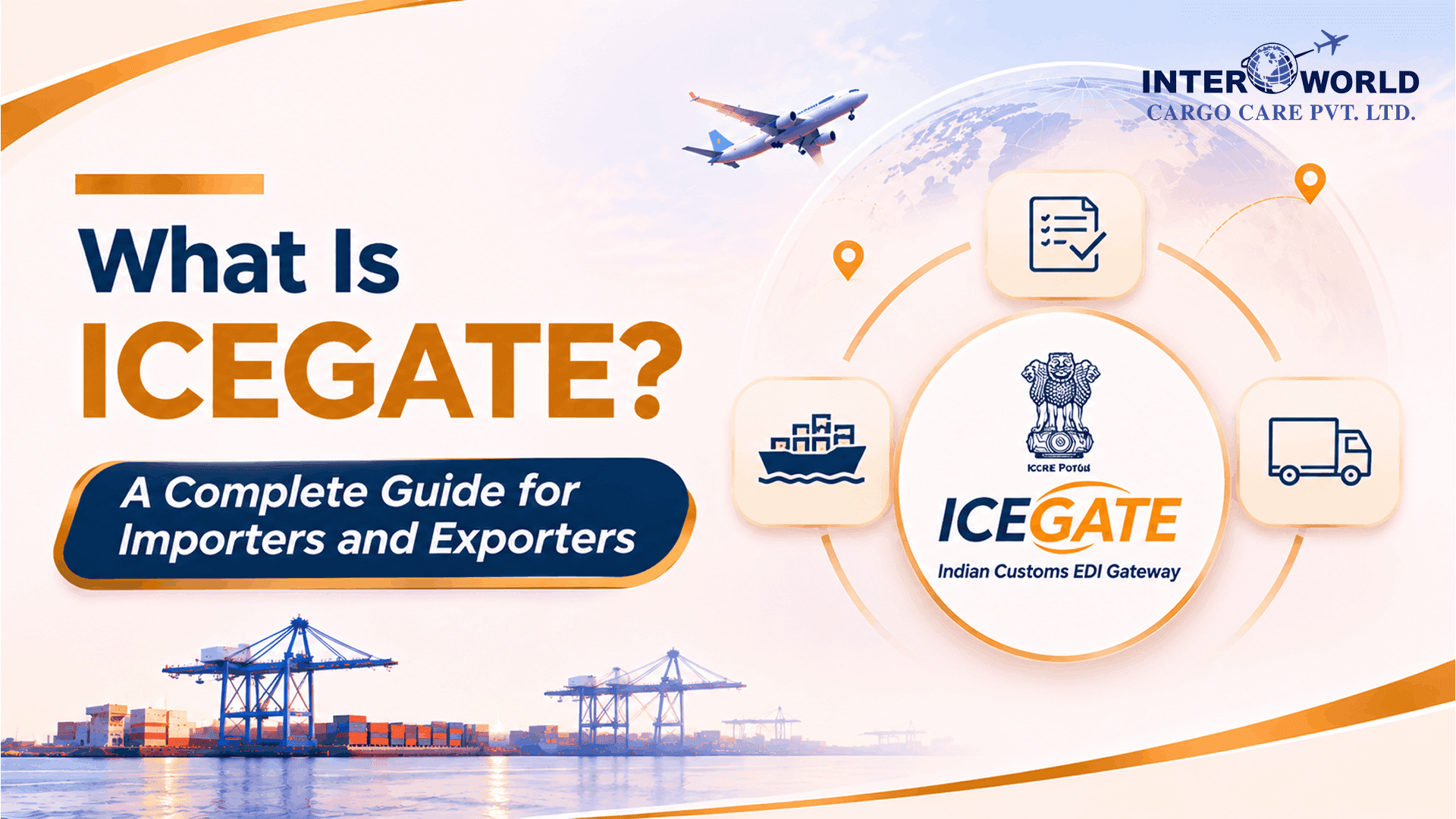
ICEGATE full form and meaning
ICEGATE stands for Indian Customs Electronic Gateway. You will also see it expanded as Indian Customs Electronic Data Interchange Gateway, which describes the same portal. It is the national portal of the Central Board of Indirect Taxes and Customs (CBIC), and it connects importers, exporters, customs brokers, shipping lines and airlines with Indian Customs.
In plain terms, ICEGATE is where the customs paperwork for a shipment is filed electronically instead of on paper.
What you can do on ICEGATE
- File the bill of entry for imports.
- File the shipping bill for exports.
- Submit supporting documents electronically, so you do not carry paper copies to the port.
- Pay customs duty online through the portal's payment options.
- Track the status of a bill of entry or shipping bill.
- Download documents such as the signed bill of entry.
- Claim export benefits and refunds that are linked to a matched shipping bill, such as IGST refunds, duty drawback and RoDTEP.
- Respond to customs queries raised on your filing.
Shipping lines and airlines file manifests through the same system, and ICEGATE matches an exporter's shipping bill with the carrier's export manifest to confirm that the goods have left India.
Who needs ICEGATE?
- Importers and exporters who file for their own shipments.
- Customs brokers, who file on behalf of clients.
- Shipping lines, airlines and other trade partners who send manifests and related messages.
Most businesses use a customs broker, but you still need your own ICEGATE access if you plan to file yourself, pay duty or track filings directly. Our guide to customs clearance in India shows where ICEGATE fits in the whole process.
How to register on ICEGATE
The registration flow has changed in recent years, so follow the steps on the portal. As a guide, current guidance describes this sequence for importers and exporters:
- Check you have the basics. You need a valid Importer Exporter Code, a GSTIN, a PAN, an email and mobile number registered with both GST and DGFT, an active bank account and a Class 3 digital signature certificate. Our guide to the Importer Exporter Code explains how to get an IEC.
- Link your GSTIN and IEC. Link your GSTIN on the portal, then map your IEC to it.
- Start a fresh registration. Choose your role, such as importer or exporter, and enter your IEC and GSTIN.
- Verify by OTP. Confirm your mobile number and email. You receive a reference ID.
- Fill in organisation and user details. Complete the authorised user details.
- Sign and submit. Sign with your digital signature certificate and submit.
The same source puts approval at about one to three working days if your details match across GST and DGFT records. Registration on the portal itself is free.
How to pay customs duty on ICEGATE
Customs duty on imports is paid online. The portal uses an electronic cash ledger, which works like a prepaid account. You add money to the ledger and the duty on your bills of entry is paid from the balance. That means one top-up can cover several shipments.
The same guidance lists these ways to fund the ledger:
- Internet banking through authorised banks
- NEFT or RTGS
- UPI, debit or credit cards through the payment aggregator, where the bank commission is borne by the user
Payment options have been widened over time, so check the portal for what is currently available. Your customs broker can also pay on your behalf and bill you at actual cost. Our guide to customs clearance charges in India explains what else makes up the total bill.
ICEGATE bill of entry tracking
To check the status of an import filing:
- Open the ICEGATE website and go to the enquiry services.
- Choose Public Enquiries and then Document Status.
- Select Bill of Entry as the document type.
- Enter the port code, bill of entry number and date.
- Submit to see the current status.
Status can be checked without logging in, but downloading the signed copy needs a login.
Common statuses to look for include:
- Filed or under assessment. Customs is reviewing the declaration.
- Assessed but duty not paid. You must pay duty to continue.
- Examination ordered. Customs wants to inspect the goods or documents.
- Out of charge. Customs has granted final clearance and the cargo can be released.
If a status shows a query, respond quickly, since every day of delay can bring storage charges.
ICEGATE shipping bill tracking
Exporters follow the same route and select Shipping Bill as the document type. Use the port code, shipping bill number and filing date. The shipping bill number is printed on your export invoice or in the remarks section of the bill of lading. For the full export filing process, read our guide on what a shipping bill is and how it is filed.
Benefits of ICEGATE
- Paperless filing. Documents are submitted and processed electronically.
- Anytime access. The portal is available around the clock.
- Faster clearance. Electronic assessment and payment shorten processing.
- Visibility. You can see statuses without calling a port office.
- Linked incentives. Refunds and drawbacks are tied to matched filings.
- Fewer errors. Fields and validations catch many mistakes before submission.
Common ICEGATE problems and how to avoid them
- Details that do not match. The IEC, GSTIN, PAN and bank records should agree across portals.
- Digital signature issues. Use a valid Class 3 certificate and keep it current.
- Wrong port code or document number when tracking.
- Delayed query replies. Check the portal daily during clearance.
- Old tracking links. The portal's enquiry pages change, so use the links from the current site.
How IWCC helps
Interworld Cargo Care is a licensed customs house agent. Our customs clearance team files on ICEGATE, pays duty, responds to queries and keeps you updated, so you do not need to manage the portal yourself.
Need help with customs filing?
Share your shipment details and our team will handle the filing and duty payment. Get a free quote or call 098110 59654.